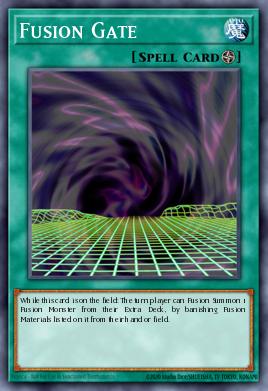
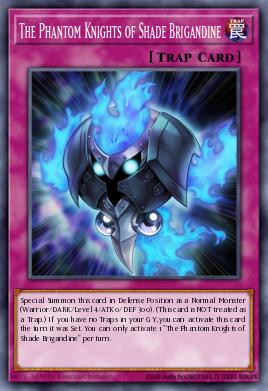
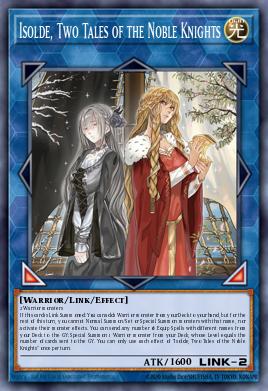
Hello! In this deck, we will use Fusion Gate to FTK the opponent while finding combo pieces naturally in a way that you feel you were playing in Fusion Gate event. If you don't know how to play Isolde decks, you can check this guide!
Glossary
F: Field
MD: Main Deck
ED: Extra Deck
GY: Graveyard
Gameplan
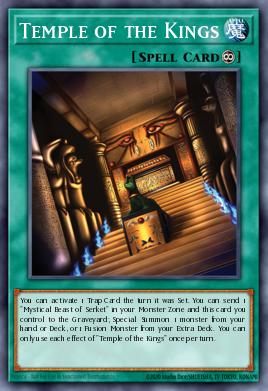
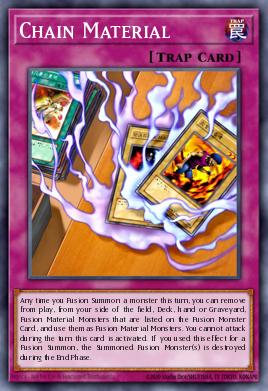
1) After the activation of Temple + Chain + Gate, follow this pattern with Gate:
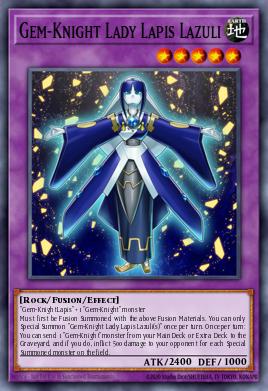
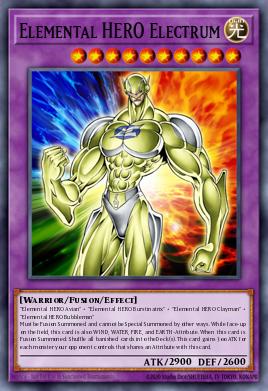
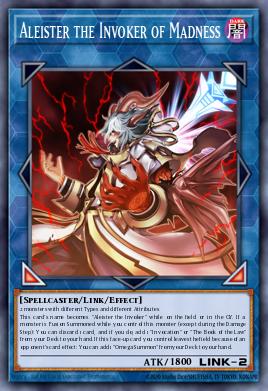
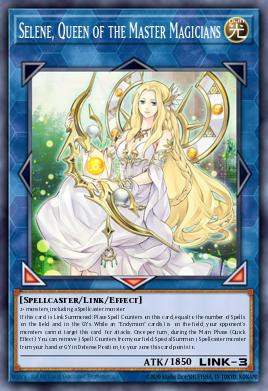
Lazuli#1 = 2 x Lapis >>> Send Lazuli#2 to GY via Lazuli#1 (F) >>> Electrum#1 >>> Recover 2 x Lapis into MD
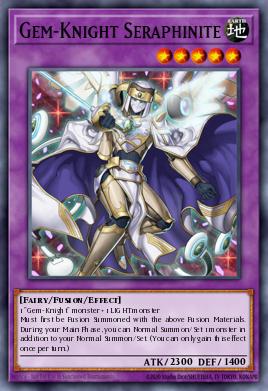
Lazuli#1 (F) + Electrum#1 (F) = Seraphinite#1 >>> Electrum#2 >>> Recover Lazuli#1 and Electrum#1 into ED
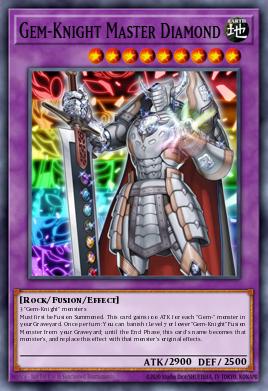
Seraphinite#1 (F) + 2 x Lapis (MD) = Master >>> Banish Lazuli#2 in GY to mimic Lazuli via Master (F) >>> Send Lazuli#1 to GY via Master (F)
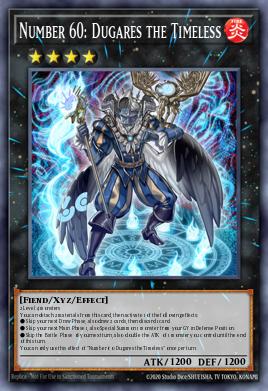
3) In short, if you have done what was explained in #1, you can repeat what was done in #2 after Electrum was used. Don't forget to pull the trigger via Lazuli to win the game! To recap, here is what you would Fusion Summon via Gate:
Are you sure you wish to delete this deck? Once a deck is deleted, it cannot be
retrieved.
Master
Duel Cost Breakdown
Export Deck
Export to Image
Export to List
Export to Tabletop Simulator
Export Deck to Master Duel/Neuron
You can export your deck directly from YGOPRODeck to Yu-Gi-Oh! Master Duel or Neuron using our Web Browser extension!
Simply install the extension, and click the button below to export your deck to Master Duel or Neuron! It will bring you to the Official Konami Database. Once there, you can edit a deck and hit the "Import clipboard and save" button!
This will download all images used in this deck and zip them up for you. This is done on
your computer and could take a minute or so to complete so please do not close the
page.

 300
300 840
840 660
660 360
360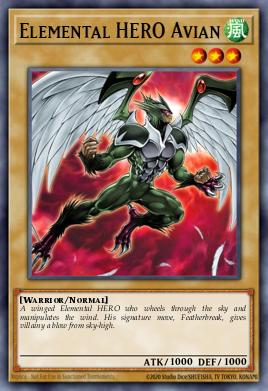

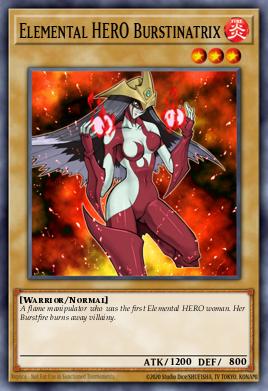
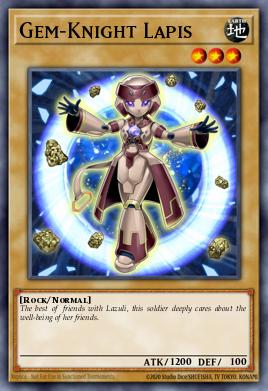
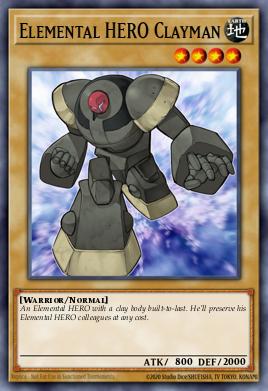
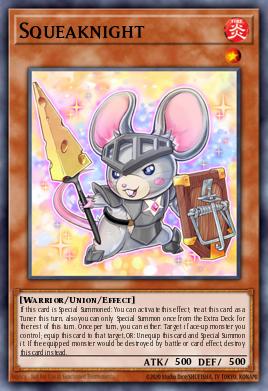


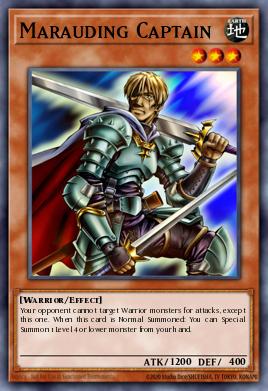

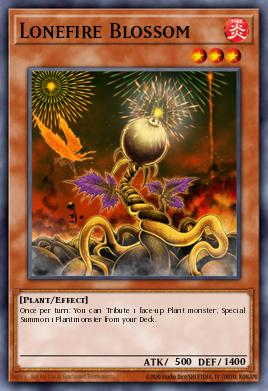

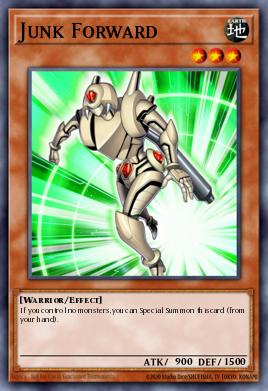








 Cool
0
Cool
0
 Funny
0
Funny
0
 Angry
0
Angry
0
 Sad
0
Sad
0